
ProEventsWP vs Events Manager
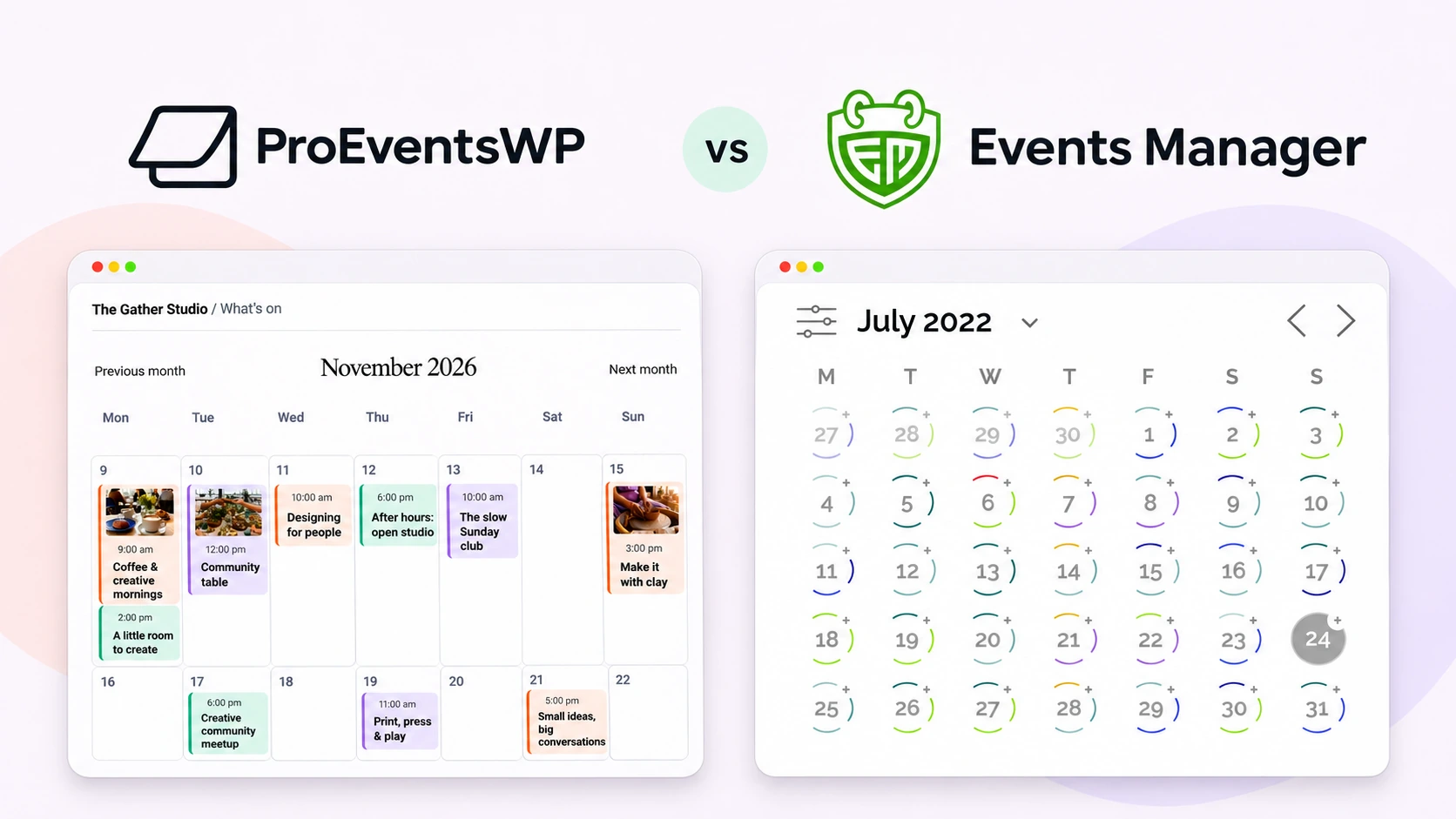
Events Manager and ProEventsWP both publish events, display repeating schedules and collect signups in WordPress. Events Manager includes a reservation system in its free plugin, with tools for managing bookings. ProEventsWP gives editors several calendar layouts they can work with in the WordPress block editor.
A training provider with different reservation rules has a different decision from a community centre that wants a well-organized programme and a simple way to count attendees. Both can start free.
Written by ProEventsWP · Reviewed 11 November 2026
Features at a glance
| Feature | ProEventsWP | Events Manager |
|---|---|---|
| Calendar layouts | 6 views in Free | Calendar and event listings in Free |
| Month grid | Included in Free | Included in Free |
| WordPress editing | Editable calendar blocks | Calendar block, widgets and embeds |
| Recurring events | Included in Free | Included in Free |
| RSVPs or free signups | Individual RSVPs in Free | Free bookings and ticket options |
| Paid ticket sales | Unavailable | Online payments with Events Manager Pro |
ProEventsWP Free includes Month, Week, Day, List, Photo and Map.
How visitors find an event
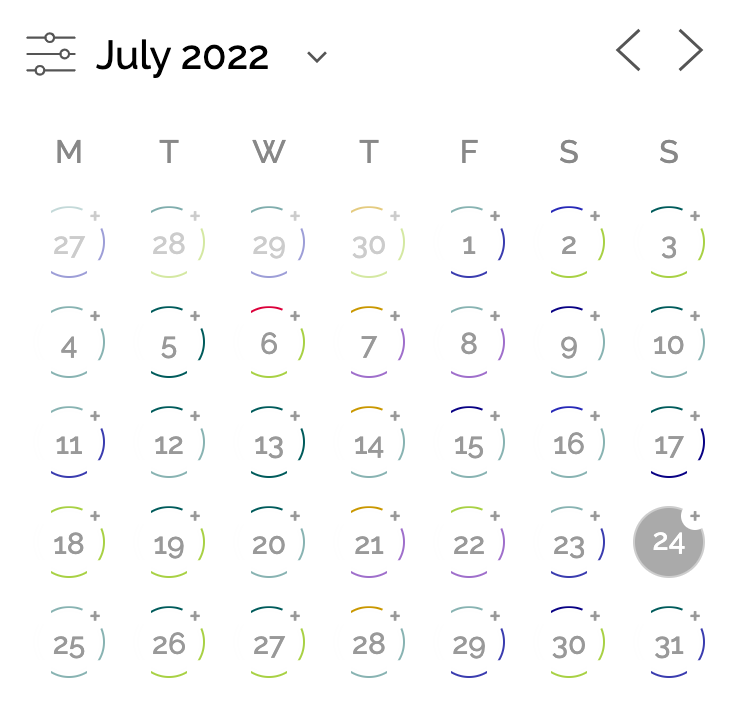
Both plugins can show a month grid or a list of events. Events Manager’s calendar and listing tools give a booking site several ways to show its programme. ProEventsWP Free includes Month, Week, Day, List, Photo and Map. An editor can give classes a weekly timetable and use the same events in a photo-led programme page, where the card layout is editable.
What Events Manager includes for free
Events Manager’s free booking tools let you set how many places a ticket offers and when people can book it. An organizer can offer different free ticket options, set limits for each and review bookings in WordPress. That gives a registration-heavy site a reason to choose Events Manager even if it charges nothing for admission.
ProEventsWP’s RSVP form is simpler. A visitor reserves one place per email for the selected date and can cancel through a link in the confirmation. It works well when a headcount is enough. If the organizer needs different ticket options or a custom booking form, Events Manager offers more room to grow. Events Manager Pro adds custom booking forms and online payments.
Weekly schedules and booking dates
A class series can use repeating dates in either free plugin. In Events Manager, separate repeating events let you manage each session on its own. Its Recurring Event format can put a whole programme on one page and let visitors pick a date and time on the booking form. ProEventsWP is a fit when editors want a schedule and a simple signup on each date.
What does it cost?
| Price | ProEventsWP | Events Manager |
|---|---|---|
| Free | $0 Unlimited sites | $0 Events Manager Free, including bookings |
| Paid plans | $59/year Personal · 1 site | $129/year Pro · 1 site · standard price |
| Other plans | $129/year Studio · 5 sites $249/year Agency · Unlimited sites | $169/year Pro Plus · 1 site · standard price |
A free programme can accept attendance in either plugin without a license. If a one-site training provider needs to charge for bookings through WordPress, Events Manager Pro has a standard annual price of $129. Pro Plus includes separately sold add-ons. Check the vendor plan selector for current offers and renewal terms. Events Manager charges no ticket commission. The payment processor can still charge fees.
Month views, side by side

Sources
ProEventsWP Free · ProEventsWP pricing · Events Manager features · Recurring events · Repeating and recurring formats · Free booking setup · Calendar block and settings · Payments and ticketing
Which plugin fits your site?
Events Manager is a strong choice when the booking process is central to the site, particularly if free ticket options and booking rules matter. ProEventsWP is a better fit when the calendar itself needs to fit a designed page and individual RSVPs cover attendance. A site that needs checkout, detailed booking forms or more ticket options will need more than ProEventsWP’s built-in signup form.