
Compare WordPress Event Calendar Plugins
A website that publishes its own programme needs different tools from a venue selling tickets or a directory accepting submissions from outside organizers. A good calendar design is only one part of that decision.
These guides compare ProEventsWP with six WordPress event plugins. See how each handles calendar editing, registrations, ticketing and costs, then find the comparison that fits the way you run events.
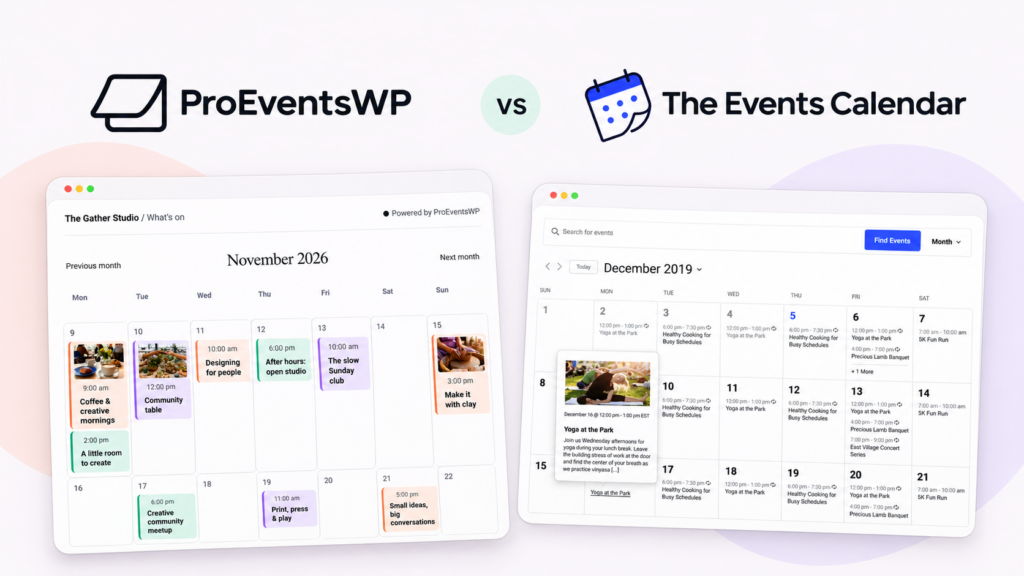
ProEventsWP vs The Events Calendar
Compare calendar editing and free recurring events with an established system for ticketing and check-in.
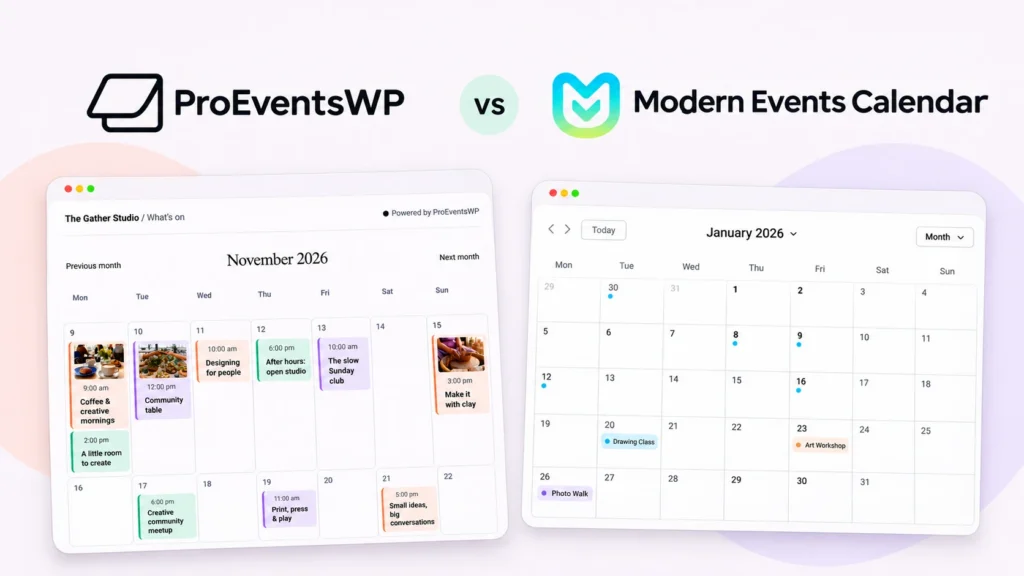
ProEventsWP vs Modern Events Calendar
Compare ready-made calendar designs and paid booking tools with layouts you can edit in WordPress.
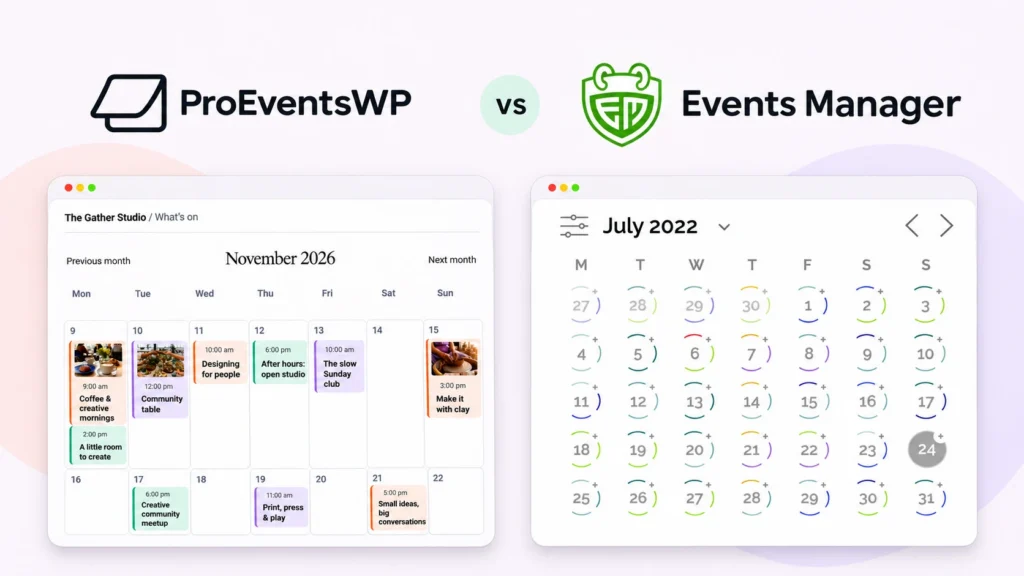
ProEventsWP vs Events Manager
See when free reservations matter more than flexibility over how events appear on your site.

ProEventsWP vs EventON
Compare interactive event tiles, editable photo layouts and the cost of adding a month grid or ticketing.
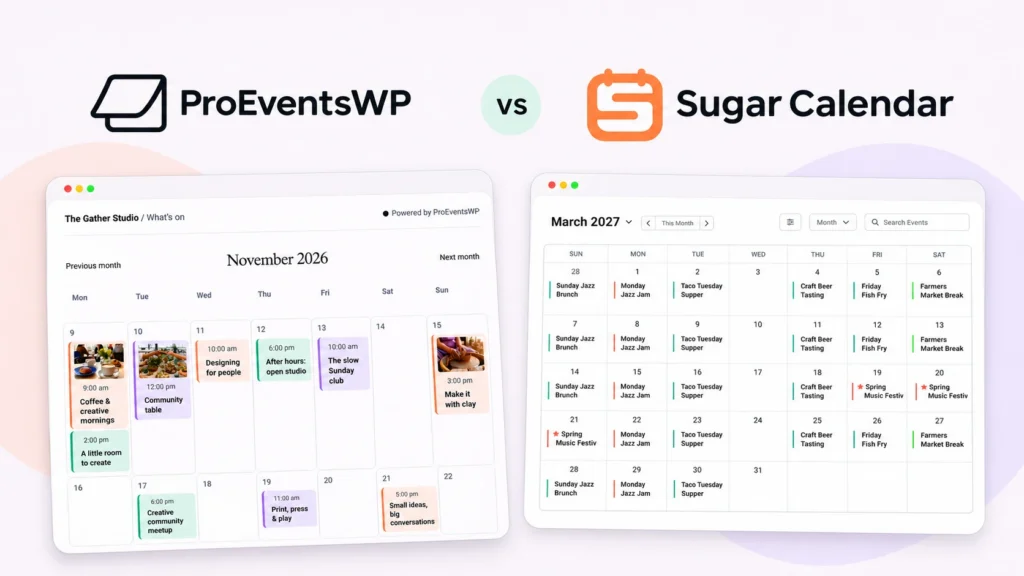
ProEventsWP vs Sugar Calendar
Compare free recurring schedules and RSVPs with free tickets and Stripe checkout in Sugar Calendar Lite.

ProEventsWP vs WP Event Manager
See which setup fits a directory with outside organizers or a site publishing its own events.
Start with what your events need
Paid tickets. Compare The Events Calendar for check-in and ticketing or Sugar Calendar for Stripe ticket sales.
Calendar design. Compare Modern Events Calendar’s ready-made layouts and EventON’s interactive tiles with layouts you can edit in WordPress.
Outside organizers. See how WP Event Manager handles front-end submissions.