
New · v1.1.6Bug fixes.
Your events.
Beautifully in sync.
A free WordPress event calendar plugin with six flexible views, recurring events, maps and simple RSVPs. Build with native WordPress blocks, and add Pro when you need more.
The Gather Studio / What’s on
● Powered by ProEventsWP
1Sun, 1 Nov
6:00 pm Creative community meetup2Mon, 2 Nov
3Tue, 3 Nov
11:00 am Print, press & play4Wed, 4 Nov
5Thu, 5 Nov
5:00 pm Small ideas, big conversations6Fri, 6 Nov
7Sat, 7 Nov
8Sun, 8 Nov
All day The neighborhood weekend9Mon, 9 Nov
10Tue, 10 Nov
11Wed, 11 Nov
12Thu, 12 Nov
13Fri, 13 Nov
4:00 pm A season of new beginnings14Sat, 14 Nov
15Sun, 15 Nov
16Mon, 16 Nov
17Tue, 17 Nov
18Wed, 18 Nov
19Thu, 19 Nov
20Fri, 20 Nov
21Sat, 21 Nov
22Sun, 22 Nov
23Mon, 23 Nov
 9:00 am
Coffee & creative mornings
2:00 pm
A little room to create
24Tue, 24 Nov
 12:00 pm
Community table
25Wed, 25 Nov
10:00 am Designing for people26Thu, 26 Nov
6:00 pm After hours: open studio27Fri, 27 Nov
10:00 am The slow Sunday club28Sat, 28 Nov
29Sun, 29 Nov
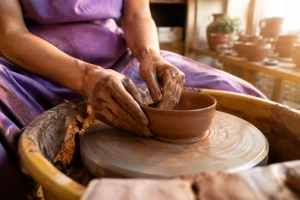 3:00 pm
Make it with clay
30Mon, 30 Nov
Help visitors explore your program. Discover more layouts in the demos. Explore calendar demos
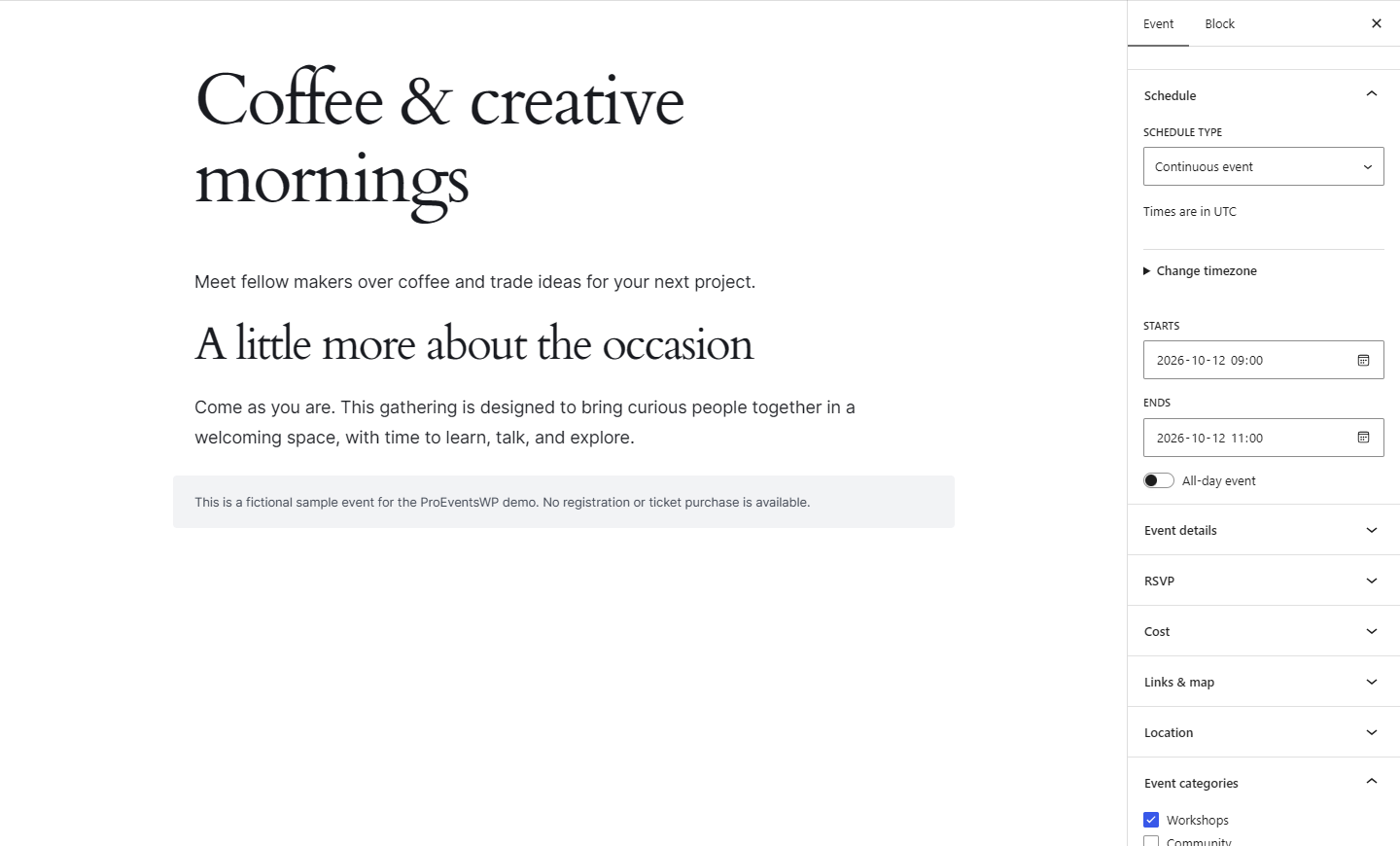
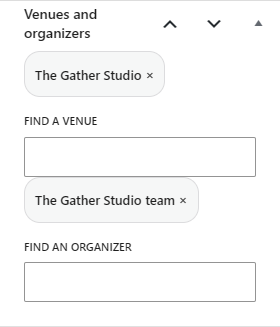
Keep dates, venues, organizers, and event details together. Explore event management
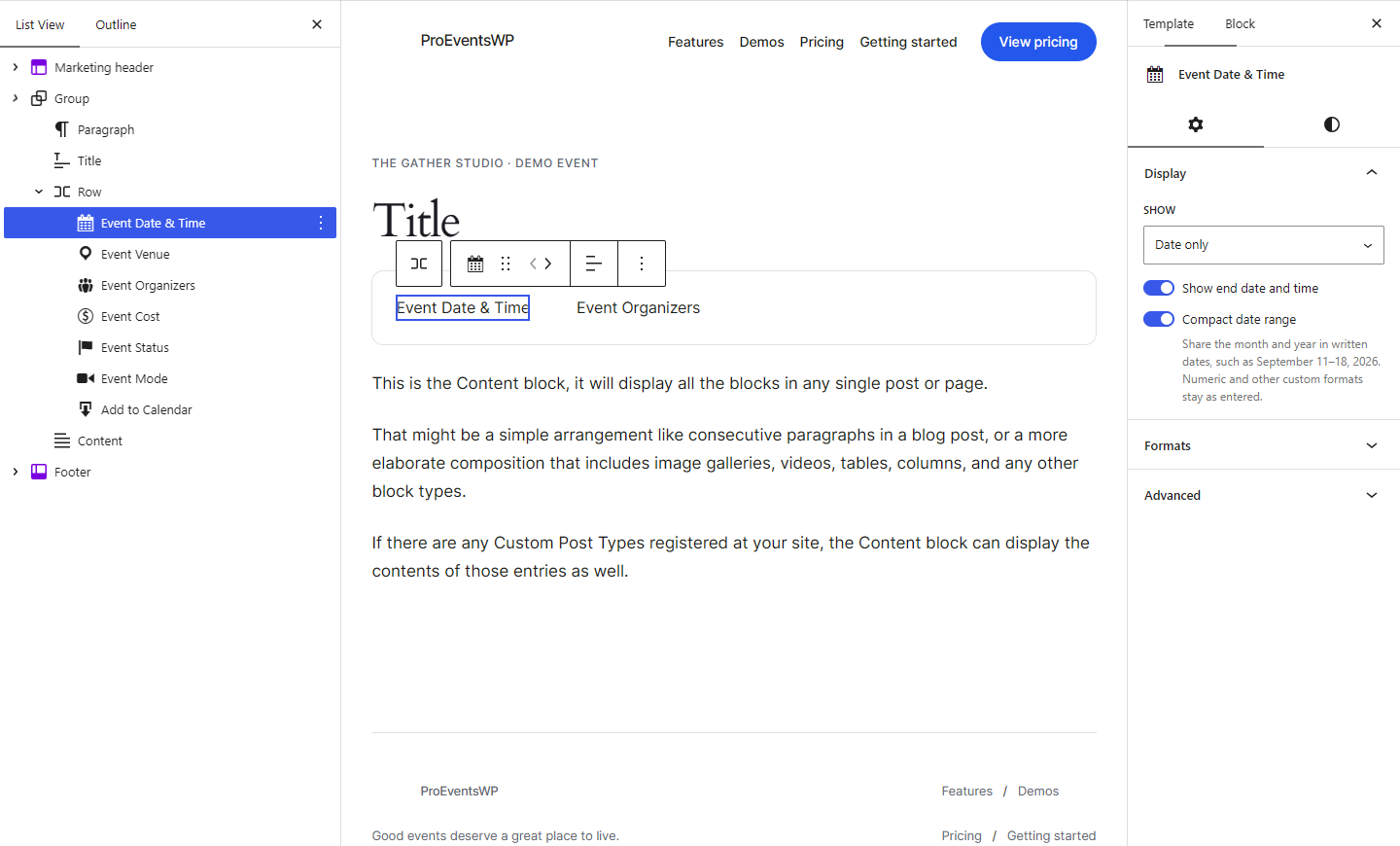
Shape your event pages with the WordPress blocks you already know. Learn how to build
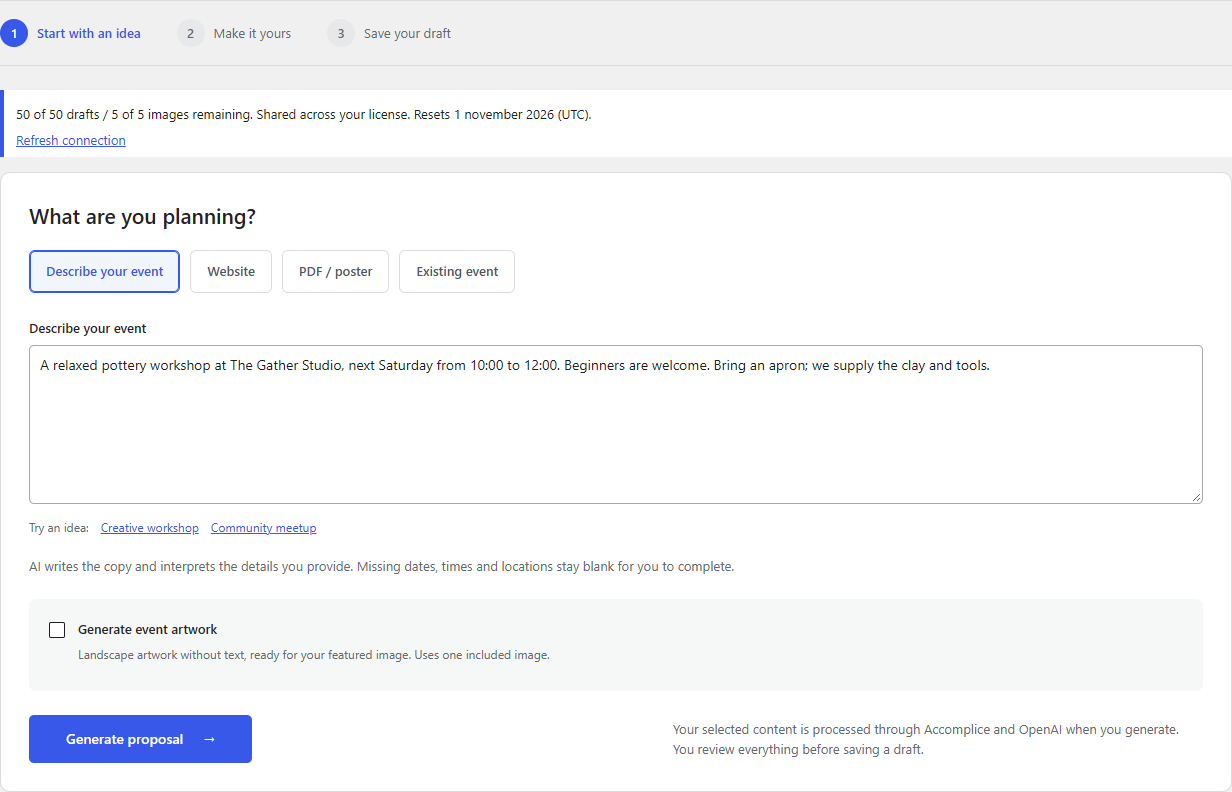
Turn source material into an event proposal. Review every field before creating a draft. Explore Pro features
Good events deserve
a great place to live.
From a neighborhood workshop to a packed program of events. Give every gathering a home that feels like you.
A layout for every occasion.
Month, Week, Day, List, Photo and Map. Six separate calendar blocks, each with its own settings and navigation.
Made of WordPress blocks.
Arrange event details, filters, and native Query Loops in the editor you already know.
The details, all together.
Venues, organizers, clustered maps, calendar sharing and simple RSVPs. Give visitors a clear next step.
A rhythm that works
for your events.
Weekly classes, a monthly meetup, or a yearly celebration. Choose a repeat schedule, see the next dates, and make room for exceptions.
Change one event, this and following dates, or the whole series. Existing events keep their identity as your plans evolve.

A place for everyone.
A clear count for you.
Let one person reserve a place with their name and email. Set a capacity, send a confirmation, and let guests cancel from their email link.
Manage your private attendee list and retry a failed confirmation. A recurring event takes registrations for each occurrence; an opening-hours event reserves the whole event.
Product screenshot with fictional details. The marketing demos do not collect registrations.
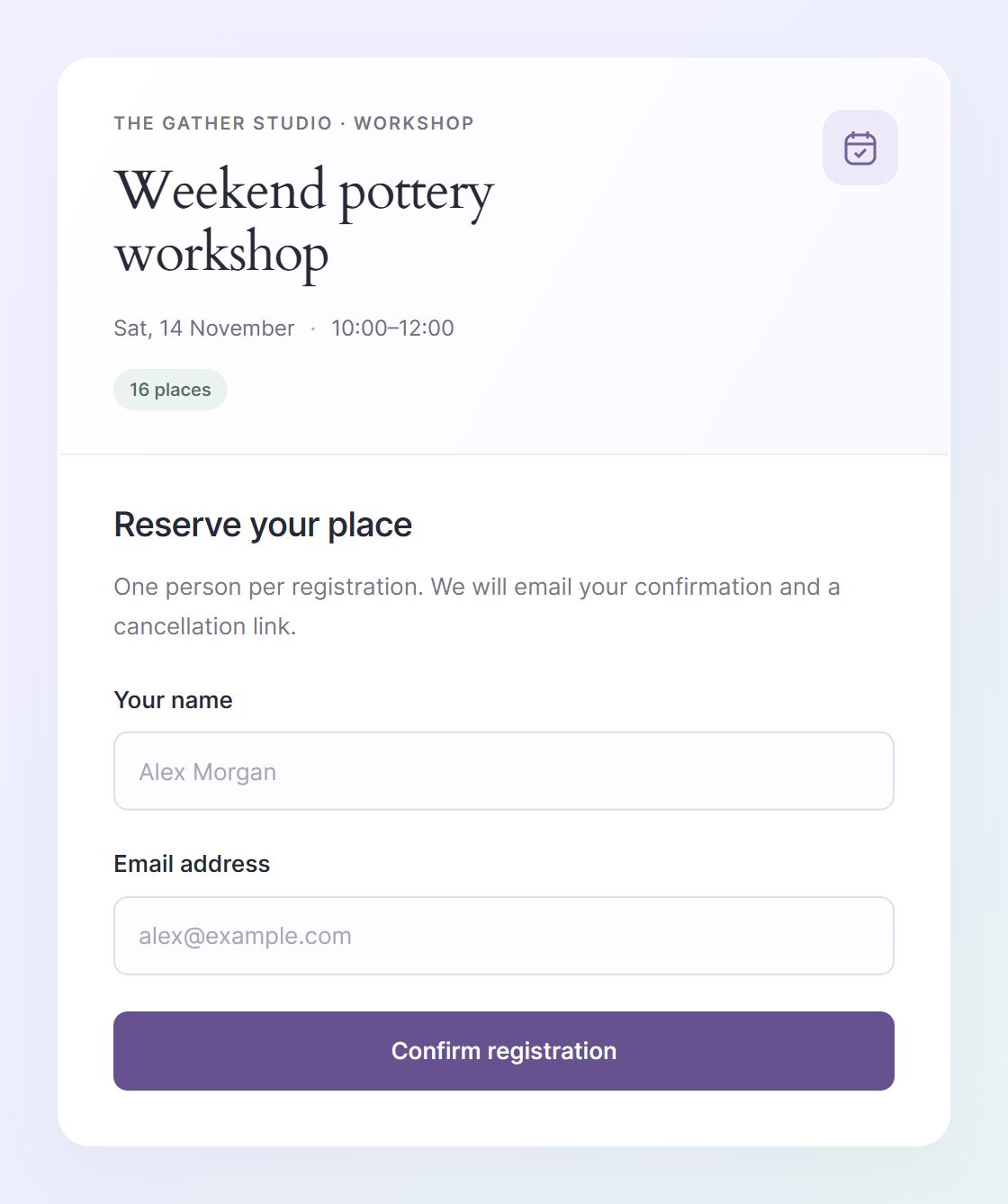
A simple reservation, with a clear next step.
Feels like WordPress.
Because it is.
Build with native Query Loops and composable event blocks. Adjust typography, move the details, and make every calendar feel at home.
Choose your view.
Insert Month, Week, Day, List, Photo, or Map as its own block.
Make every detail your own.
List and Photo keep editable Query Loops. Place event details and filters wherever your design needs them.
A solid start.
More room with Pro.
Everything for your first calendar.
Recurring events, six separate views, core filters, maps, sharing, and simple RSVPs.
For a fuller calendar.
Extra advanced filters, countdowns, custom fields, and AI drafts and artwork you review before publishing.
Before your next event.
Can I design the calendar in the block editor?
Yes. Month, Week, Day, List, Photo and Map are separate blocks. List and Photo keep native editable Query Loops, alongside composable details and filters.
What does Pro add?
Pro adds extra advanced filters, countdown and custom-field blocks, plus reviewed AI authoring and artwork.
Does AI publish events automatically?
No. You review the proposal before an event draft is created. Pro includes 50 event drafts and 5 images per UTC calendar month, shared across the license. No customer API key or extra AI bill.
Will my events disappear if I change themes?
Your events belong to the plugin. Display them with another theme using its pages, templates, and the event blocks.
Bring your next event
to life.
Start with a free calendar. Make it entirely yours.